STITCHKIT · A MAVENWRIGHT PRODUCT
Embroidery digitizing
on the Mac, iPad or Android you already own.
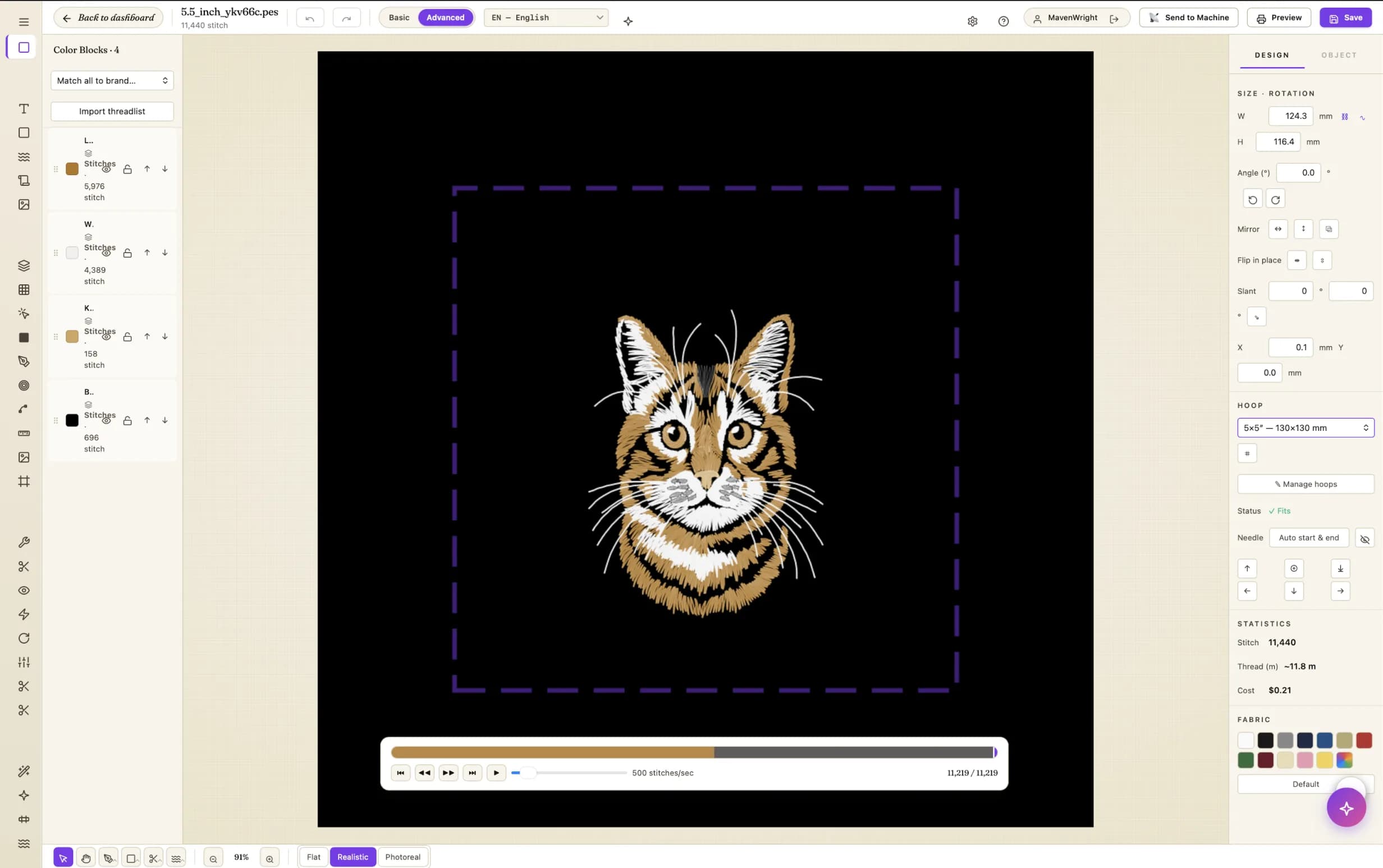
Open any DST, PES, EXP, JEF or VP3, digitize it, and preview every stitch before it reaches the hoop. Native on macOS, iPad, Android and Windows — no dongle to lose, no Parallels, no Windows-only workarounds.
Free plan, no credit card · Paid plans from $49/mo · Cancel anytime · Native on macOS, iPad, Android & Windows
- BROTHER
- JANOME
- BERNINA
- HUSQVARNA
- PFAFF
- MELCO
- SINGER
- RICOMA
Reads and writes the formats these machines expect — DST, PES, EXP, JEF, VP3 and XXX
The work that actually pays.
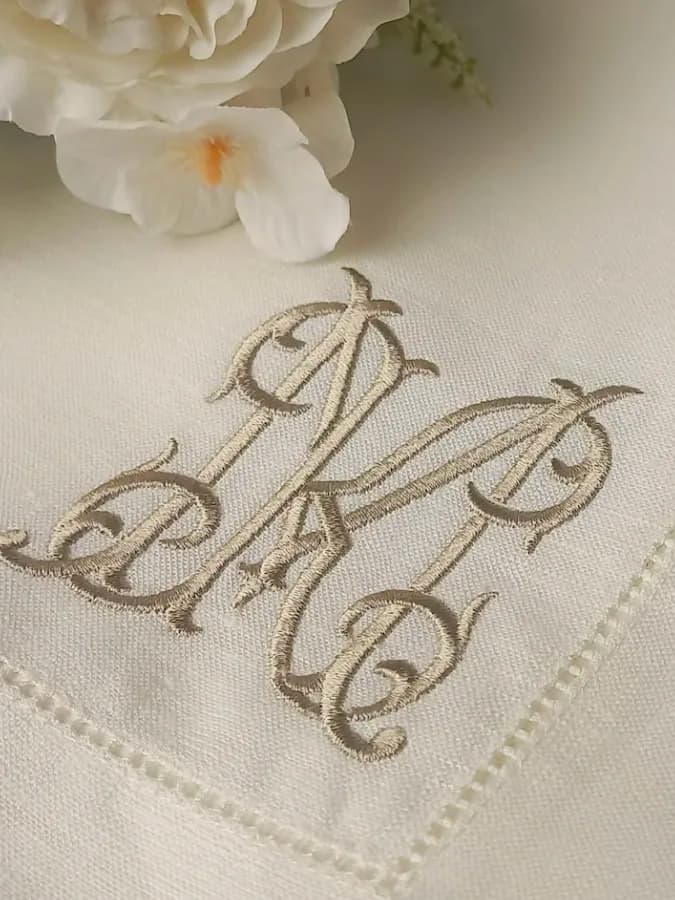
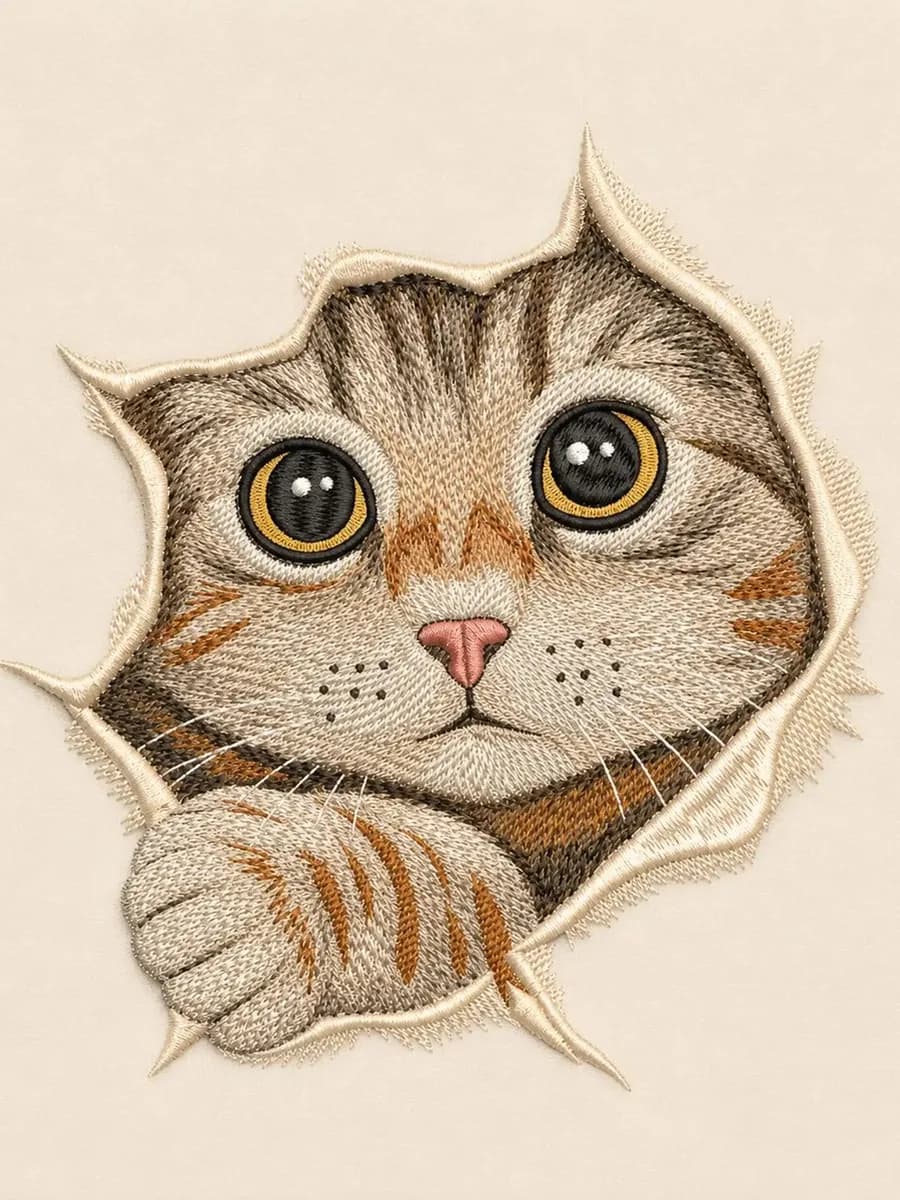
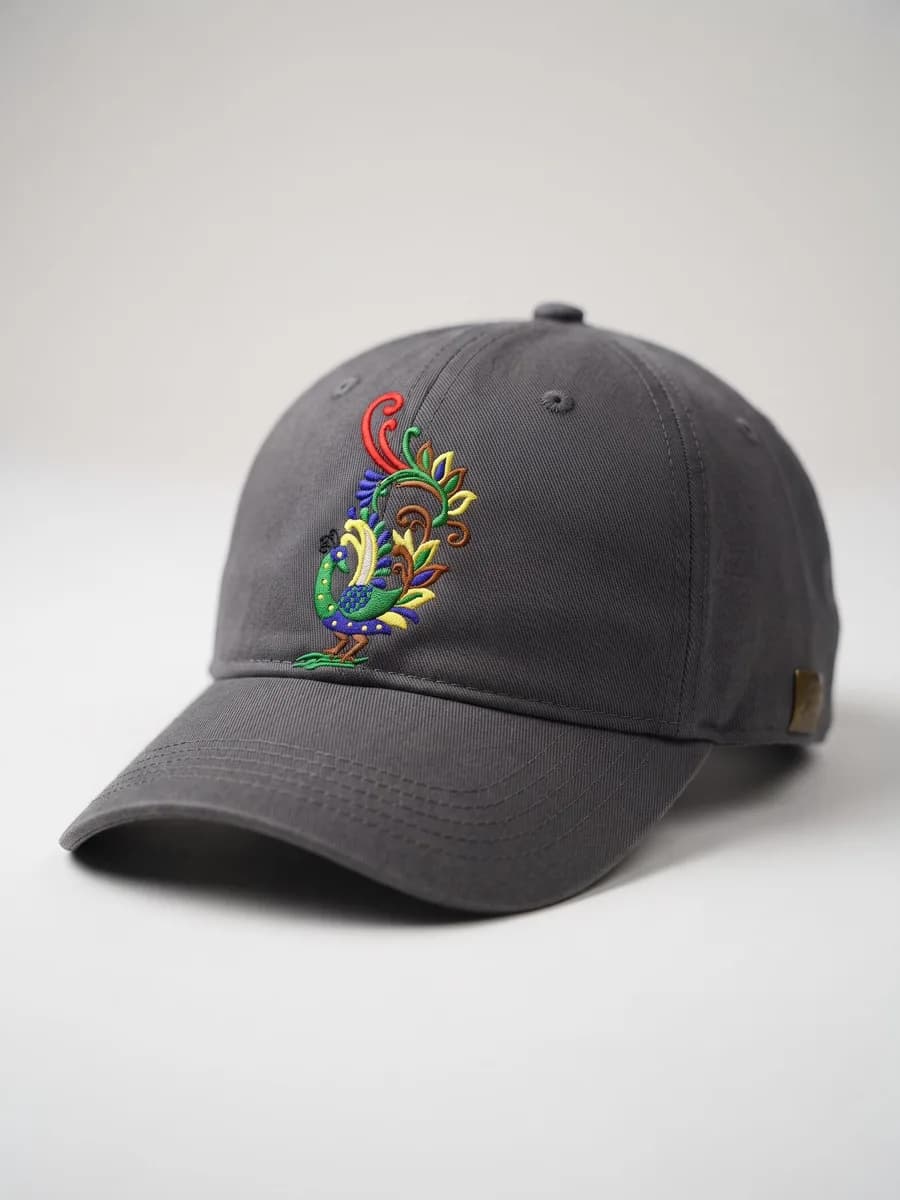
Monograms, patches, cap fronts, totes, kidswear, team kit — all digitized in the same editor, on the same license.
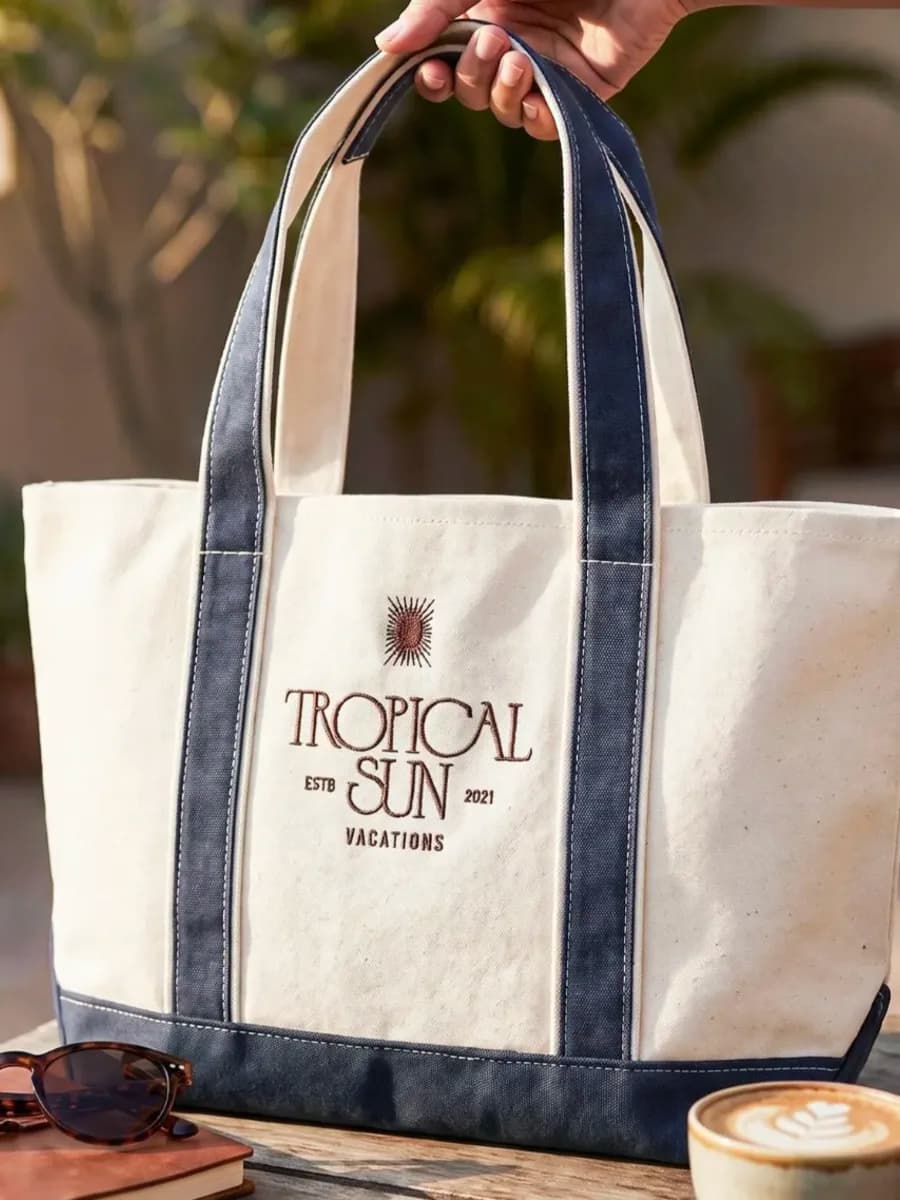
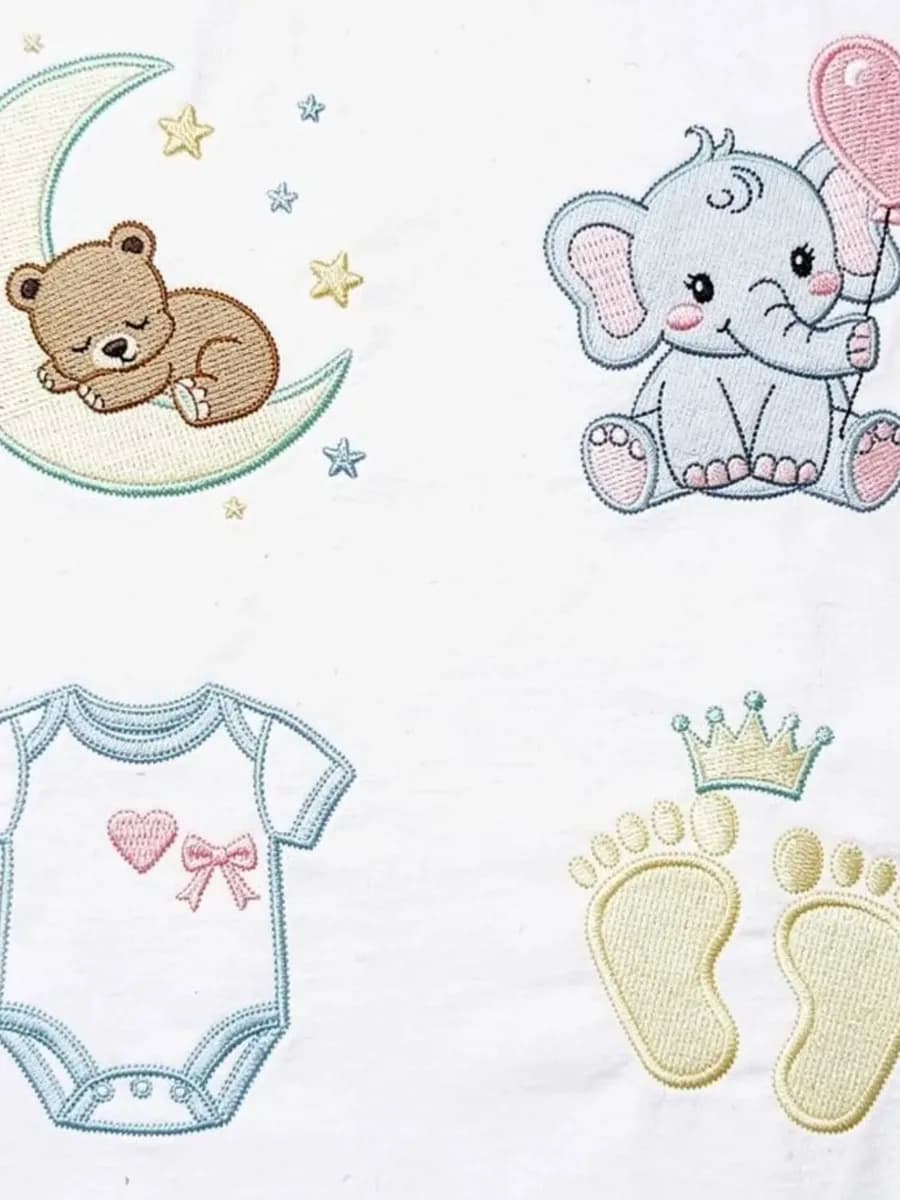
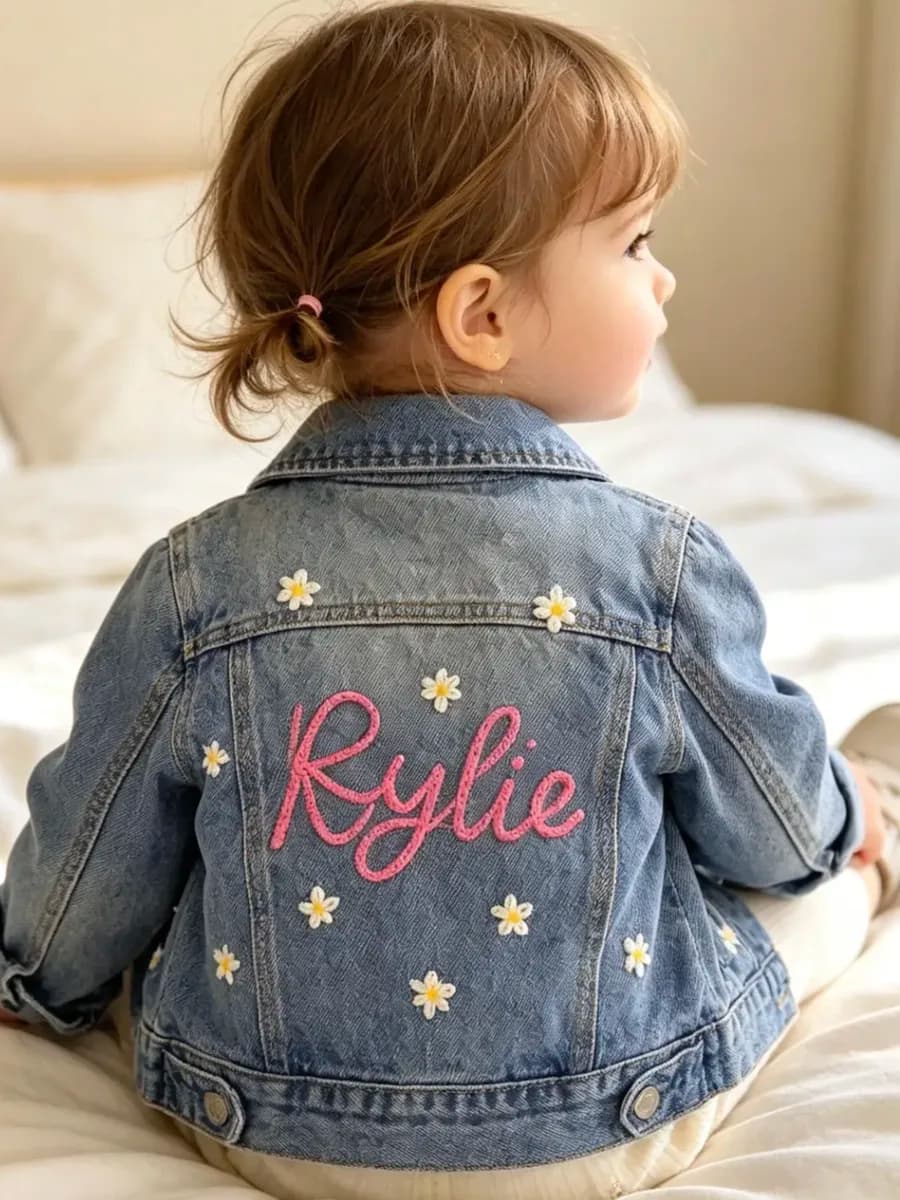

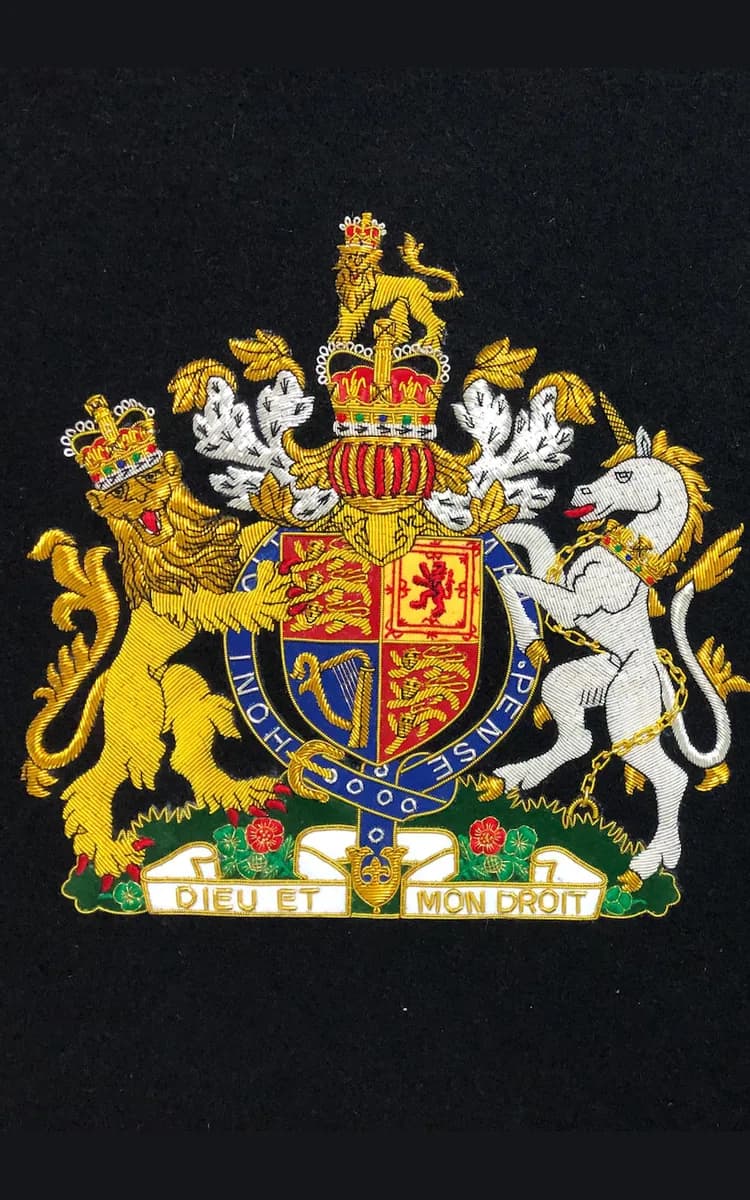
From artwork to stitched-out file.
Four steps from a file someone emailed you to a design the machine will actually sew.
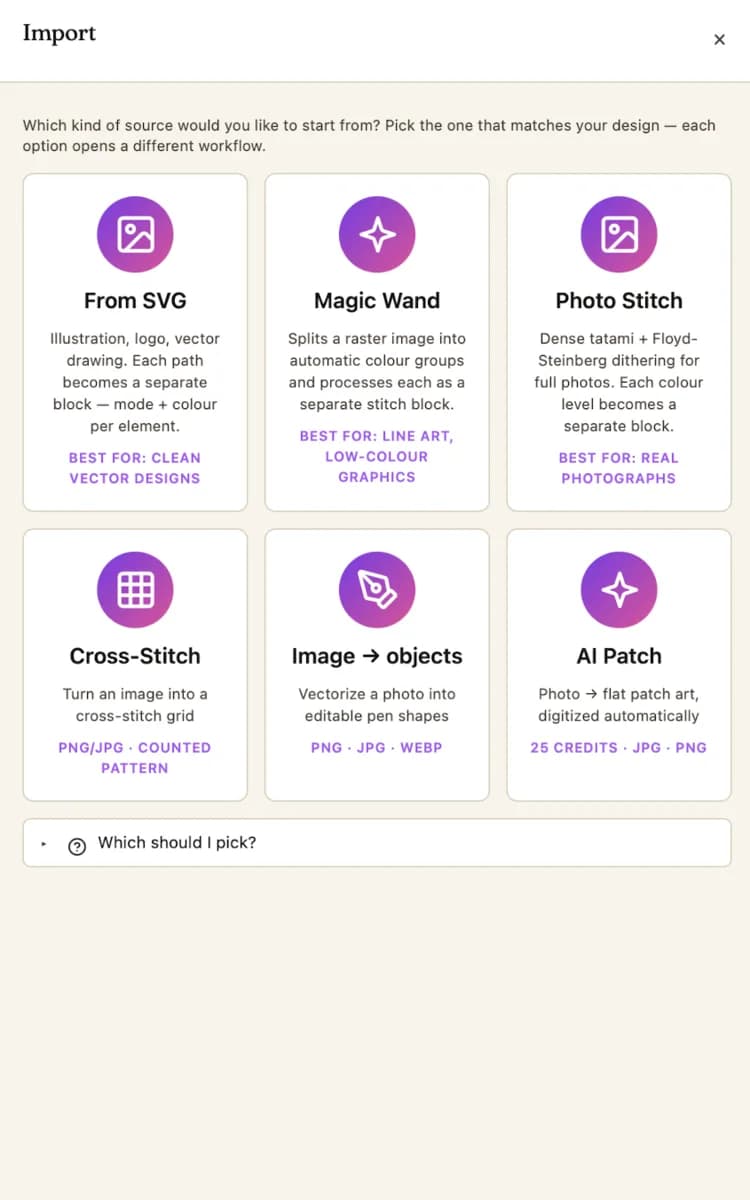
Artwork in
Drop a PNG, SVG or a photograph. No pre-cleaning, no hand-tracing, no separate vectorizer.
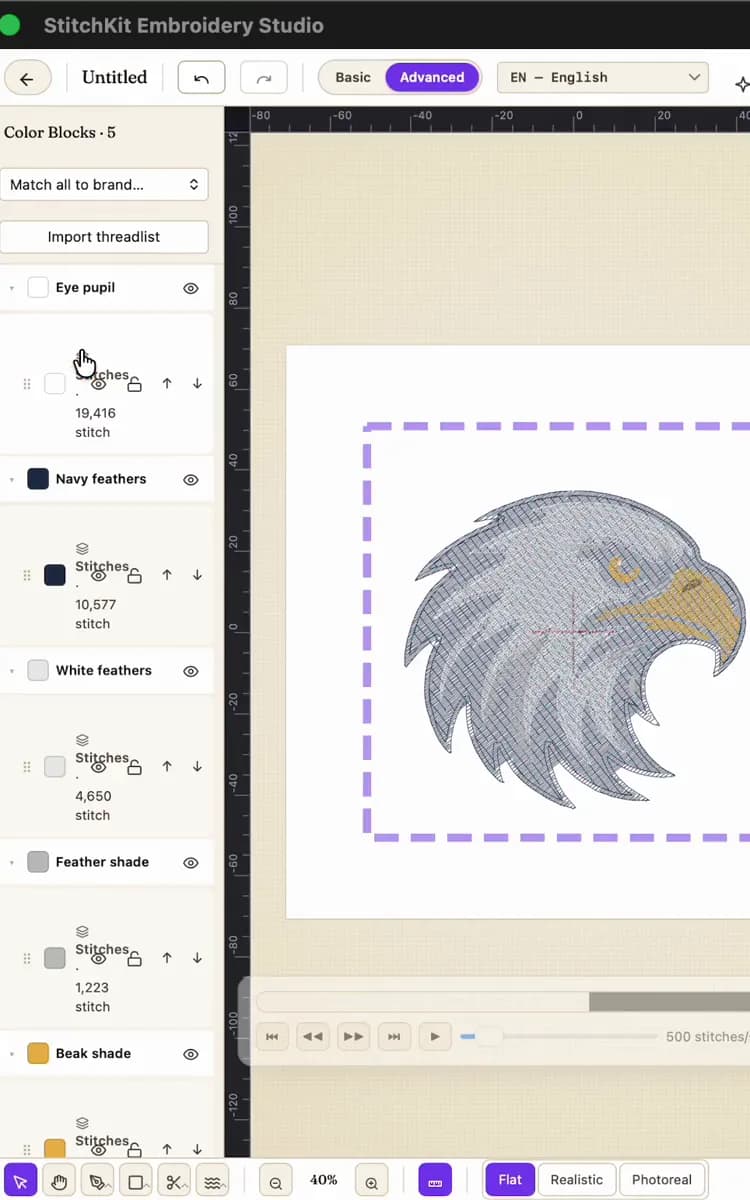
Auto-digitize
StitchKit picks the fill type, underlay and stitch direction for every element — outline, satin or tatami, chosen by shape.
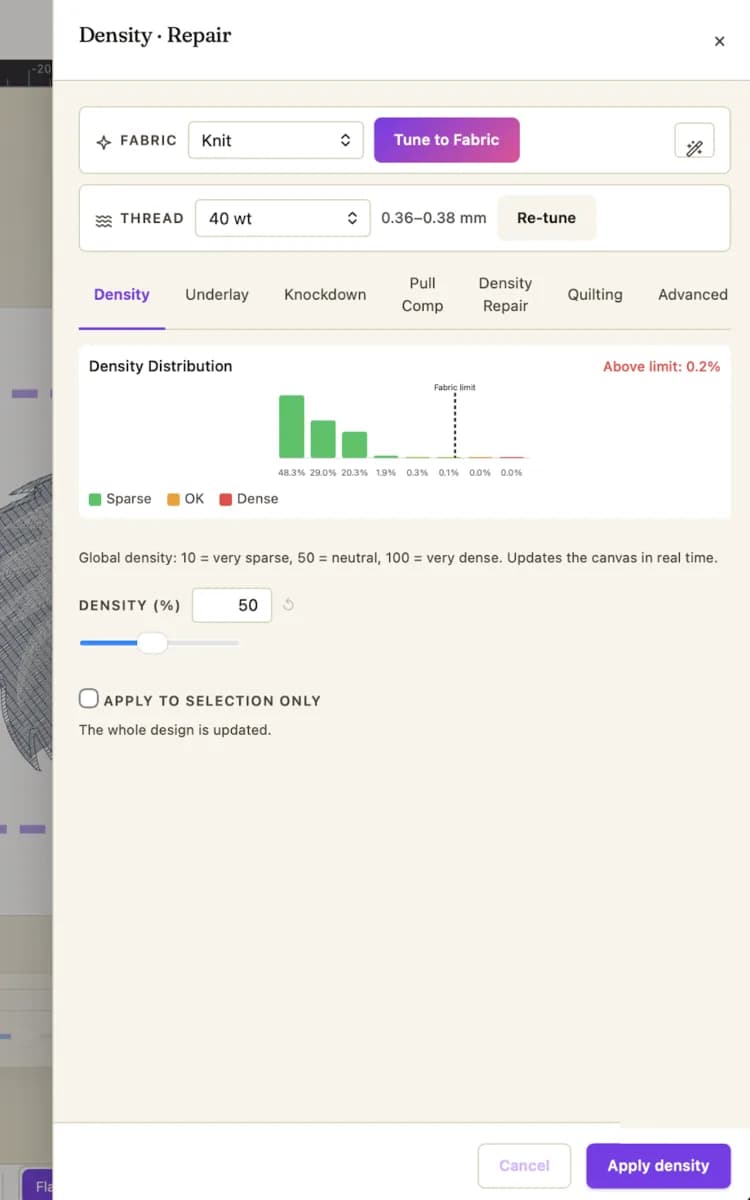
Density check
A live heatmap shows where thread stacks past the tear-risk threshold. One-click repair, with fabric-aware presets.
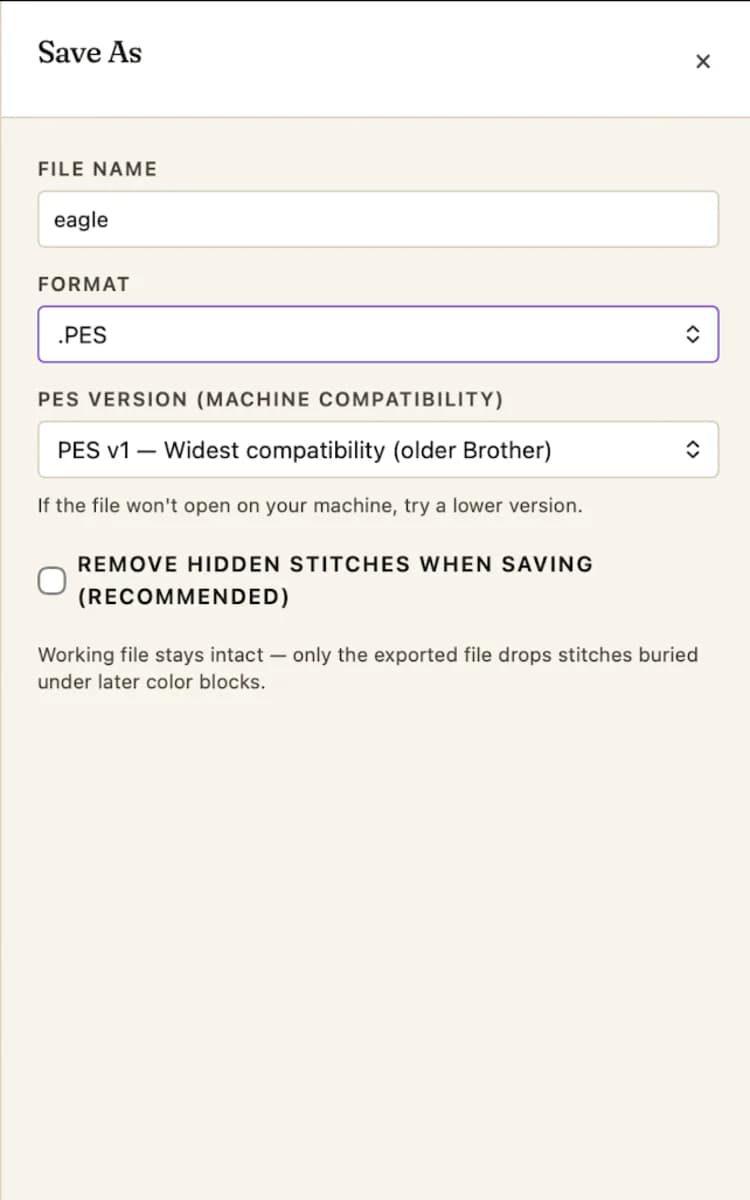
Stitched out
Write to DST, PES, EXP, JEF, VP3 or XXX — and sew the file you previewed.
Digitizing
- Magic Wand traces artwork into stitch blocks
- Photo Stitch turns a photograph into thread
- Underlay and stitch direction chosen for you
- Satin and Motif fills, not just tatami
Lettering
- Premium MediaItalia fonts included
- Brother BX font format read and write
- Monogram wizard with 4-letter layouts
- Monograms that stay readable at 12 mm
Density
- Heatmap shows where thread stacks up
- One-click repair on the regions it flags
- Fabric-aware presets — cotton, jersey, canvas, leather
Production
- Applique workflow with cut-file export
- Multi-hoop split for designs larger than the frame
- Hoop presets for the machines you run
- Bulk batch convert on Pro and above
Formats
- Twelve formats written, thirteen read
- Opens files another program wrote
- Your work is never locked to us
01 · AUTO-DIGITIZE
Hand it a photo. Get thread blocks.
StitchKit separates the image into color blocks, picks a stitch type for each and lays the paths — then every block stays yours to recolor and retune.
The honest comparison.
| Feature | StitchKit Pro | Wilcom Designing | Hatch Digitizer | Embrilliance Mac |
|---|---|---|---|---|
| Mac native (Apple Silicon + Intel) | no (Parallels) | |||
| iPad + Android | ||||
| Dongle-free | ||||
| Modern UI | ||||
| Density heatmap | Add-on $ | |||
| AI Magic Wand | ||||
| 3D preview | ||||
| Cloud sync + version history | ||||
| Auto-digitize complete | Add-on $ | |||
| Tutorials required to start | 0 | 400+ lessons | 30+ videos | 50+ |
| Starting price | $79/mo | $124/mo | $99/mo FlexPay | $149 perpetual |
We're not Wilcom. We're not trying to be.
Everything else.
Will my embroidery machine read StitchKit files?
Every common format (DST, PES, EXP, JEF, VP3, XXX, PEC) is round-trip tested on Brother, Bernina, Janome, Husqvarna, Pfaff, Singer machines. Files exported from StitchKit work on the machine that opens them — no proprietary lock-in.
Can I import my existing Wilcom / Hatch / Embrilliance designs?
Yes. StitchKit reads the formats those programs export (DST, PES, EXP, JEF). For Wilcom's native EMB or Hatch's native HUS, export to DST first, then import.
Does StitchKit run native on M-series Macs?
Yes. Native ARM64 build for Apple Silicon, no Rosetta. Native Intel macOS, iPad, Android and Windows x64/ARM64 builds all ship today.
What happens to my files if I cancel?
Your designs are yours. Export everything to DST or PES before cancellation. We never lock files behind a paywall after subscription ends. Open formats only.
Is there a free plan?
Yes. The free plan opens and saves all 7 formats with basic editing, and needs no credit card. When you need more, pick Starter, Pro or Ultimate — monthly, cancel anytime. Your files always stay yours.
Can I cancel anytime?
Yes, anytime. Monthly subscription, no annual commitment, no early-termination fee. Cancel from your account, billing stops at end of current period.
What if I pay and it's not for me?
30-day money-back guarantee. If StitchKit isn't right for you, reply to your receipt within 30 days and we refund in full — no questions asked. (App Store purchases are refunded by Apple under their own policy.)
How many machines can I install on?
Starter: 1 machine. Pro: 3 machines. Ultimate: unlimited. License is tied to your account, not hardware — reinstall freely. No dongle, ever.
Do you offer team / multi-seat pricing?
Yes, Ultimate tier includes 5 seats; add more at $59/seat/mo. For 10+ seats with SSO, audit log, and dedicated rep, contact us about Enterprise pricing.
Is StitchKit GDPR / KVKK compliant?
Yes. EU + Turkish data protection compliant. Files stored on your local machine or your own cloud storage. We never look at your designs.
What if my needs change — can I upgrade or downgrade tiers?
Anytime, both directions. Upgrade is prorated immediately. Downgrade applies at next billing cycle. No interruption to your work.
Is there an education / student discount?
Yes — 50% off Starter tier with verified student ID or accredited course enrollment. Apply via the contact form with your verification.
How is StitchKit different from Ink/Stitch (the free Inkscape plugin)?
Ink/Stitch is brilliant for SVG-first workflows but requires learning Inkscape first. StitchKit is a standalone embroidery editor — no Inkscape, no two-app workflow, native UI on Mac, iPad, Android and Windows.
Get your plan, start stitching
Starter
$149.9970% OFF$49
per month
Get Starter- MOST POPULAR
Pro
$249.9970% OFF$79
per month
Get Pro Ultimate
$349.9970% OFF$149
per month
Get Ultimate
Billed monthly · Cancel anytime · Files stay yours
Talk to us
Tell us what you need and we'll set it up with you. 30 minutes, free.
Voice calls in 60+ languages
Loading times…